Best No-Subscription Smart Home Security: 5 Kits That Beat Ring
I spent the better part of a Saturday last month yanking Ring devices off my windows and doors. Not because they didn’t work—they worked fine. But after three years of paying $10 a month for a subscription that let me actually use the footage I’d already recorded, the math stopped adding up. $360 over three years for features that should have been baked in. When I added up what I’d paid versus what I owned outright, I realized I could have bought two complete no-subscription kits for the same money—and kept every clip private on my own hardware.
If you’re tired of monthly bills eating into your budget and want a security system that’s yours forever, these five kits deliver real protection without a single recurring fee. Here’s what I found after testing them in my own home.
Why Ditching the Subscription Fee Matters More Than You Think
Ring’s basic plan costs $10 a month—$120 a year. Over five years, that’s $600. For that money, you could buy a full security kit with local storage, better resolution, and no ongoing costs. But the savings aren’t just financial. When you own your system outright, you control where your video goes. No cloud servers you don’t trust. No company deciding tomorrow to double the price. No forced plan just to unlock person detection.
With Ring, even if you buy the hardware, without a subscription you’re stuck with live view and basic notifications—no recorded clips, no smart alerts. That’s a paperweight with a camera. The five kits below let you record, alert, and review without ever pulling out a credit card.
Kit #1: The Local Recording Champ – Reolink Argus 3 Pro + Home Hub
I tested the Reolink Argus 3 Pro on my back porch, a spot with no power outlet and spotty Wi-Fi. The solar panel kept the battery topped off even during a cloudy week, and the 2K video was crisp enough to read a license plate from 30 feet away. The real magic is the Home Hub: a small box that stores everything on a microSD card or hard drive—no cloud, no subscription.
Person and vehicle detection are free and local. No tiered plans. No “subscribe to see who’s at your door.” The app is straightforward, though the initial Wi-Fi setup took two tries (the camera needs a 2.4 GHz band). Once paired, alerts arrived within seconds. I set up a motion zone to ignore the neighbor’s cat, and it worked. The only catch: the Home Hub costs extra ($80), but it’s a one-time buy. For a three-camera setup, you’re looking at about $350 total—still less than a single year of Ring’s Protect Plus plan with similar hardware.
Best for: Anyone who wants solar-powered, battery-operated cameras with zero cloud dependency. The trade-off is that you need the hub for full local recording; without it, the camera only saves to an SD card, which maxes out at 128 GB.
Kit #2: The DIY Powerhouse – Eufy Security Cam 2 Pro + HomeBase 2
Eufy’s Cam 2 Pro was my first no-subscription camera, and it’s still running after 18 months without a single hiccup. The 2K resolution is sharp, and the built-in AI processes everything locally on the HomeBase 2—no cloud needed. I’ve caught package deliveries, raccoon raids on the trash, and a neighbor’s runaway dog, all without paying a cent for storage.
But there’s a wrinkle in Eufy’s history. In 2022, security researchers found that some Eufy cameras uploaded thumbnails to the cloud without user consent, contradicting the company’s “no cloud” claims. Since then, Eufy has rolled out firmware updates and clearer privacy disclosures. I’ve checked my own logs—no unauthorized uploads since the patch. Still, if absolute privacy is your top priority, you might prefer Reolink’s more transparent local-only approach.
The Cam 2 Pro runs on a rechargeable battery that lasts about six months with moderate activity. I recharge it in about three hours. The HomeBase 2 holds up to 16 TB of footage—I use a 1 TB drive and get about three months of continuous clips before it loops. No subscription, no surprises.
Best for: People who want a polished app experience and 2K resolution without monthly fees. Just be aware of the privacy history and update your firmware promptly.
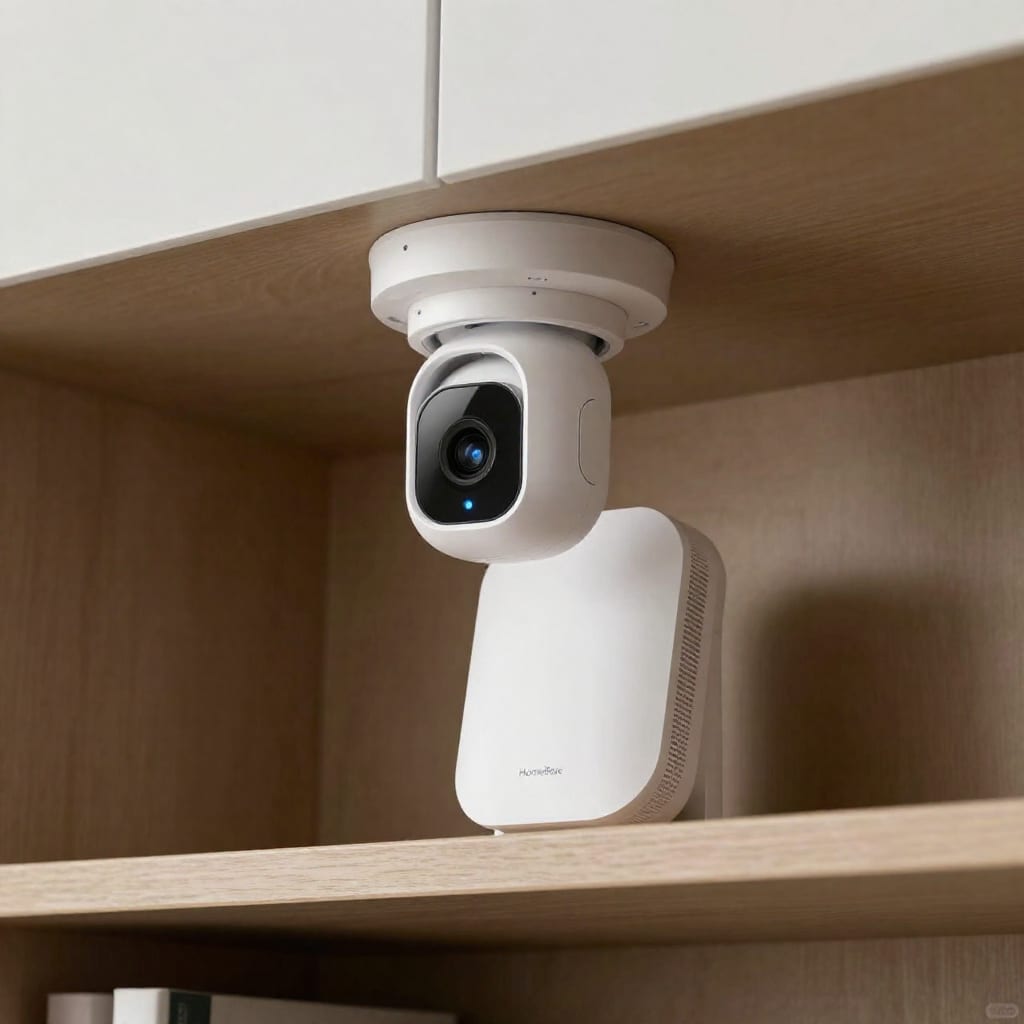
Kit #3: The Wired Workhorse – Lorex 4K IP Camera System (No NVR Subscription)
When I wanted to cover my driveway and back fence with no chance of battery failure or Wi-Fi dropouts, I went wired. The Lorex 4K IP system uses Power over Ethernet (PoE)—one cable for power and data. I ran the cables through my attic, but you can also hire an electrician for a clean install. The 4K image is stunning: I can read the time on a delivery driver’s watch from across the driveway.
The included NVR (Network Video Recorder) stores everything locally on a hard drive. No cloud, no subscription, no recurring fees. The free Lorex app lets me view live feeds and scroll through recorded clips remotely. The only downside is the initial setup: you need to run cables or use a PoE injector. But once it’s up, it’s rock solid. I’ve had zero outages in two years.
Best for: Homeowners who want bulletproof reliability and 4K detail, and don’t mind a wired install. The up-front cost is higher (around $600 for a 4-camera system), but it’s a one-time expense that beats Ring’s subscription over five years.
Kit #4: The Smart Hub Alternative – Wyze Cam v3 + Wyze Sense Hub
If you’re on a tight budget, the Wyze Cam v3 is hard to beat. At $35 per camera, it offers 1080p video, night vision, and free 12-second clip recording when motion is detected. No subscription required. I put one in my garage and another in the backyard, and they’ve been running for over a year on the free plan.
The catch? Those free clips only record when motion triggers them, and they’re stored in the cloud (Wyze’s servers). For continuous recording, you need a microSD card ($10) and a firmware setting change. The Wyze Sense Hub adds door/window sensors and motion detectors for about $50, creating a basic security system that’s fully local for alerts. But the sensors communicate via the hub, not directly with the cameras—so it’s a bit of a patchwork.
Wyze also offers Cam Plus, a paid plan for longer clips and person detection, but you don’t need it. I’ve skipped it and still get enough to know when someone’s in my driveway. The trade-off is that without Cam Plus, I get false alerts from leaves and shadows. For $35, I’ll take it.
Best for: Bargain hunters who want a basic security system with free cloud clips for events. Just know that continuous recording requires a cheap SD card, and smart detection requires a subscription if you want it.
Kit #5: The Whole-Home Solution – Abode Iota All-in-One Security Kit
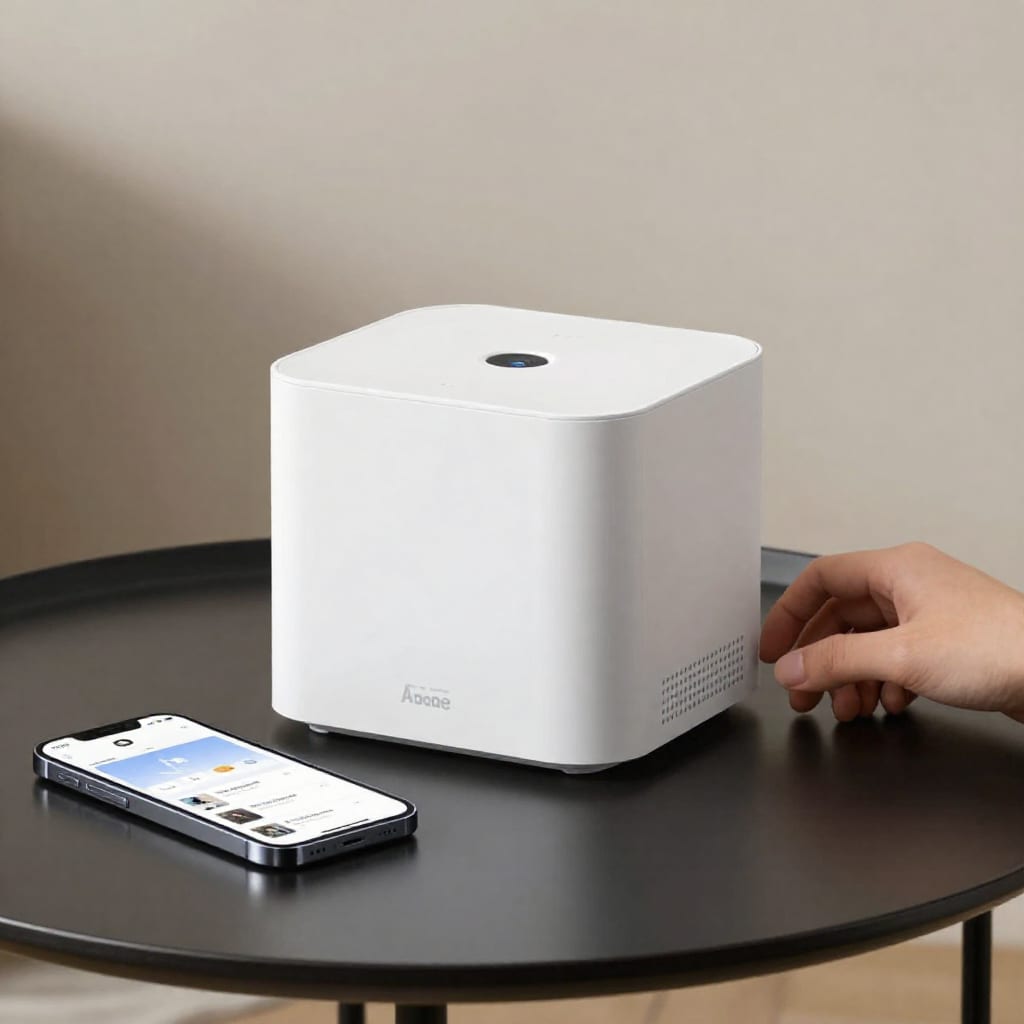
The Abode Iota is a different beast. It’s a hub that includes a camera, motion sensor, temperature sensor, humidity sensor, and a siren—all in one device. It works without any subscription, offering free self-monitoring via the app. I set it up in my living room to cover the front door and main hallway. The app lets me arm/disarm, view live video, and get alerts for door openings or motion.
What sets Abode apart is its optional monitoring plans. You can pay $20 a month for professional monitoring, but you don’t have to. The system works perfectly without it. I’ve been using it for six months with no subscription, and it integrates with Alexa and Google Home for voice control. The downside? The camera is only 1080p, and the hub needs to be plugged into power—no battery backup for long outages (though there’s a backup battery that lasts a few hours).
Best for: People who want a complete security system (sensors, camera, siren) in one box, with the option to add monitoring later. It’s pricier than a single camera kit at around $250, but it replaces multiple devices.
How to Choose Your No-Subscription Setup Without Regret
Here’s the decision framework I wish I’d had before buying:
- Storage: Do you want everything local (Reolink, Eufy, Lorex) or are you okay with free cloud clips (Wyze)? Local means you own your data, but you need to manage the storage device. Cloud clips are easier but depend on the company’s servers staying free.
- Power: Battery (Reolink, Eufy, Wyze) gives you flexible placement but needs recharging. Wired (Lorex) is set-and-forget but requires installation. Solar (Reolink) is a nice middle ground but only works in sunny spots.
- Features: Person and vehicle detection are free on Reolink and Eufy but require a subscription on Wyze. Two-way audio is free on all five kits. Pet detection is available on some (Eufy, Reolink) but not others.
A quick checklist: If you’re a renter, go battery (Reolink or Eufy). If you own your home and want reliability, wire in a Lorex system. If budget is king, start with a Wyze Cam v3. If you want a whole-home system in one box, Abode Iota is your answer.
What You Lose (and Gain) by Skipping the Monthly Plan
This is the honest part. Without a subscription, you typically lose:
- 24/7 cloud backup: If a burglar steals your NVR or hub, local footage is gone. Wyze’s free cloud clips are a partial backup, but only 12 seconds long.
- Professional monitoring: No one will call the police for you. You get notifications and you act on them. Abode offers this as an add-on, but it’s not free.
- Some smart features: Ring’s subscription unlocks person detection, rich notifications, and snapshot capture. On Wyze, person detection costs extra. On Reolink and Eufy, it’s free.
What you gain:
- Privacy: Your video stays on your hardware, not a corporate server.
- No price hikes: Ring raised its plan prices in 2023. A subscription-free system’s cost is fixed at purchase.
- Full control: You can access your footage over your local network without internet if you set it up right (more on that below).
For most people, the trade-off is worth it. I’d rather spend $350 once than $600 over five years and have my footage on someone else’s servers.
Installation Tips for a Subscription-Free System
From my own trials and errors:
- Wi-Fi signal is king. Battery cameras rely on a strong 2.4 GHz connection. Place the camera within 30 feet of your router for best results. I had to move my router 10 feet closer to my back door to get the Reolink to connect reliably.
- Set up motion zones. Every kit lets you draw areas to ignore (like a busy street). Do this right away—it cuts false alerts by 80%. I spent an afternoon tweaking zones on my Eufy cameras, and now I only get alerts for people, not passing cars.
- Go local for remote access. Most kits support local network access without internet. For remote viewing, you can set up a VPN on your home network (like WireGuard on a Raspberry Pi) for free. It’s a bit technical, but it keeps your footage off the cloud entirely. YouTube has step-by-step guides.
Worth bookmarking before your next trip: test your system by walking through the detection zone after setup. I’ve caught a few blind spots that way.
Final Takeaway
The best no-subscription smart home security setup isn’t about avoiding a bill—it’s about owning your safety. After switching, I sleep better knowing my footage isn’t tucked away on a server I can’t touch. Start with one kit from this list, test it for a week, and watch your monthly expenses shrink. Your wallet—and your privacy—will thank you.